Technology
Power station UPS mode explained: switchover times and what they mean
What UPS and EPS modes on a power station actually do, why switchover time matters for PCs, routers and CPAPs, and which models are fastest.
By WattKitFinder Editorial TeamUpdated 5 min read
UPS vs EPS
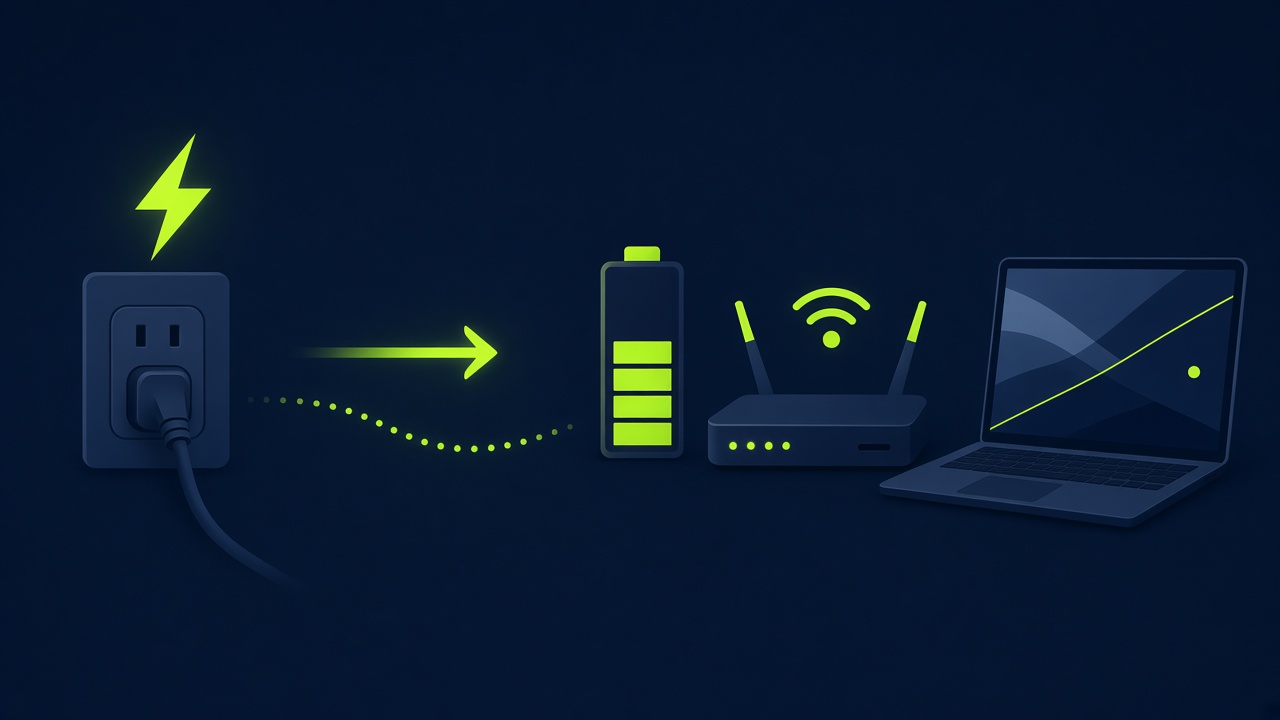
Manufacturers use UPS (uninterruptible power supply) and EPS (emergency power supply) loosely. Both mean the station powers your devices from the wall and switches to battery when the grid drops. The difference is speed: traditional computer UPS units switch in 2–10 ms, while some power stations take 20–30 ms.
Why milliseconds matter
A desktop PC's power supply can bridge roughly 10–20 ms of interruption. Routers, TVs and fridges are more tolerant. If you plan to use a station as a PC UPS, choose one rated at 10 ms or less: in our database that includes the BLUETTI Elite 100 V2, Jackery HomePower 1000 Plus v2 and Jackery Explorer 1500 v2.
Bypass limits
In UPS mode, the station's pass-through has a limit (often 1,500–1,800 W). Exceeding it, or a deep brownout, can trigger a switch to battery. Also note that leaving a station at 100% charge long-term causes slightly more wear; many apps let you cap the charge at 80–90% in UPS mode.
Frequently asked questions
Can a power station be used as a UPS for a computer?
+
Yes, if its switchover is 10 ms or less and its bypass rating covers your PC's draw. Many manufacturers still advise against using them for mission-critical servers.